Password Reset
Last updated: September 30, 2026
Current users who have forgotten their password can initiate a password reset by clicking ‘Forgot Password’ at app.worksmith.com.
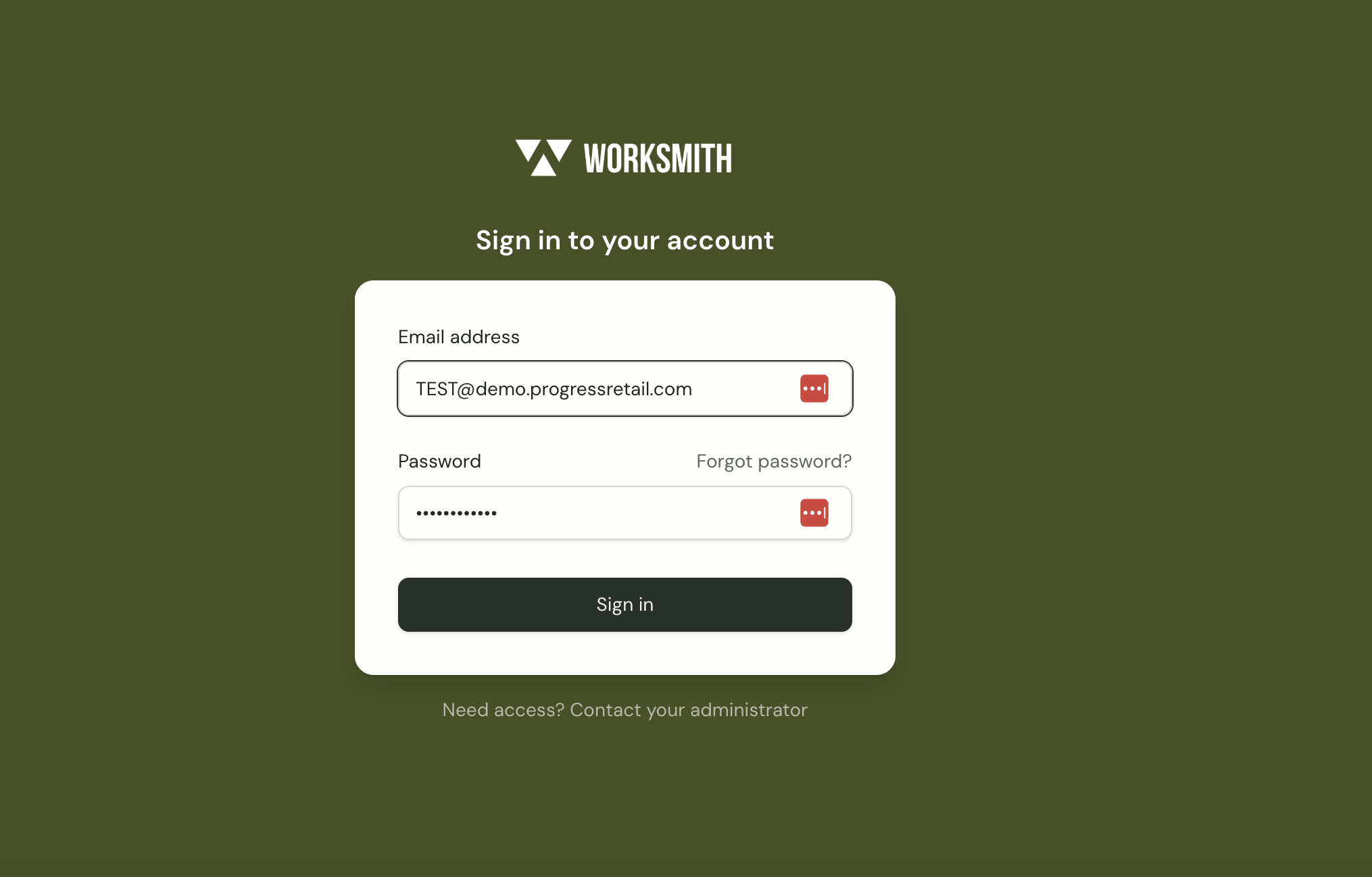
Password Reset Steps
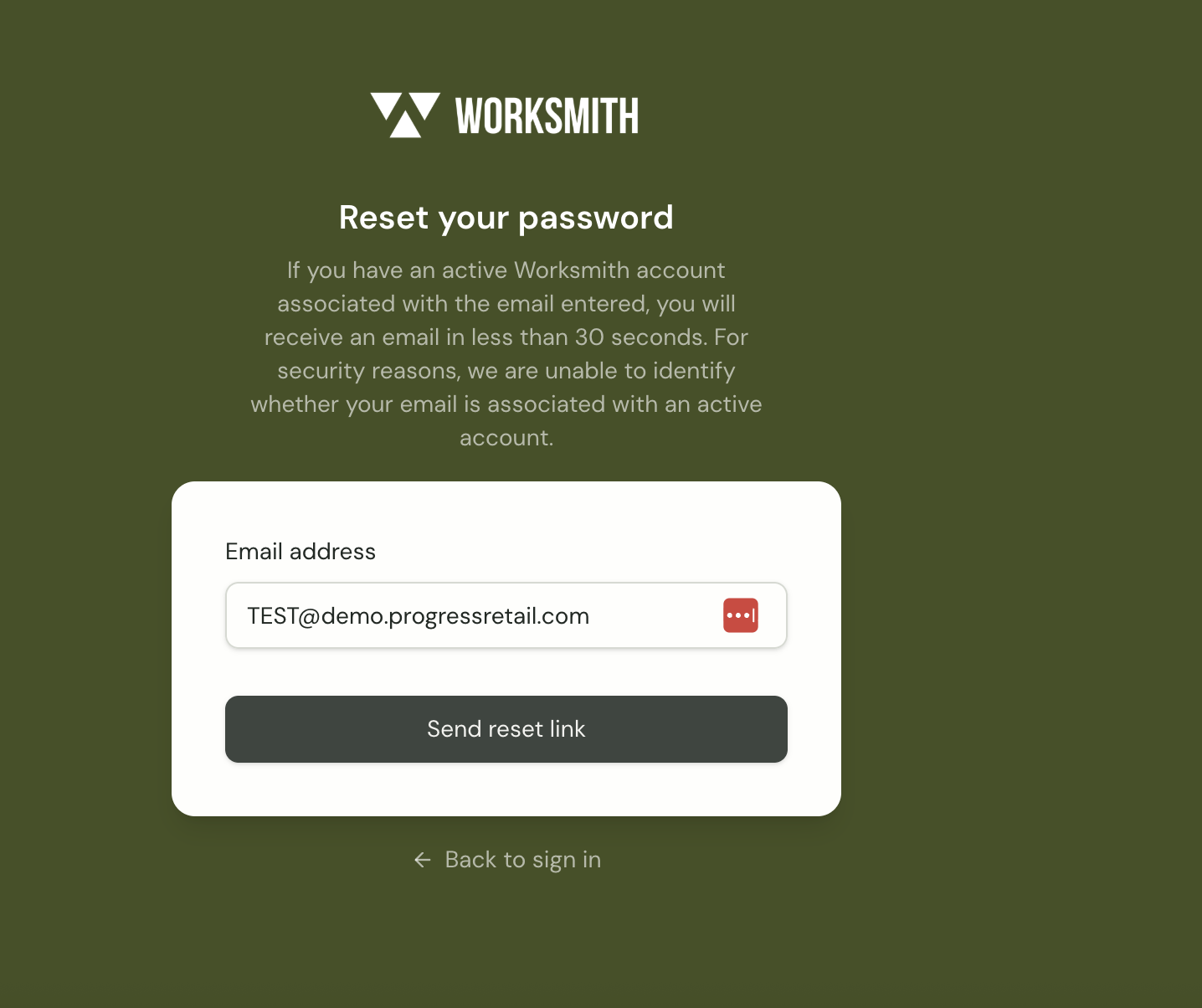
Enter the email address associated with the Worksmith Workforce account.
Click “Reset Link” button upon valid email entry.
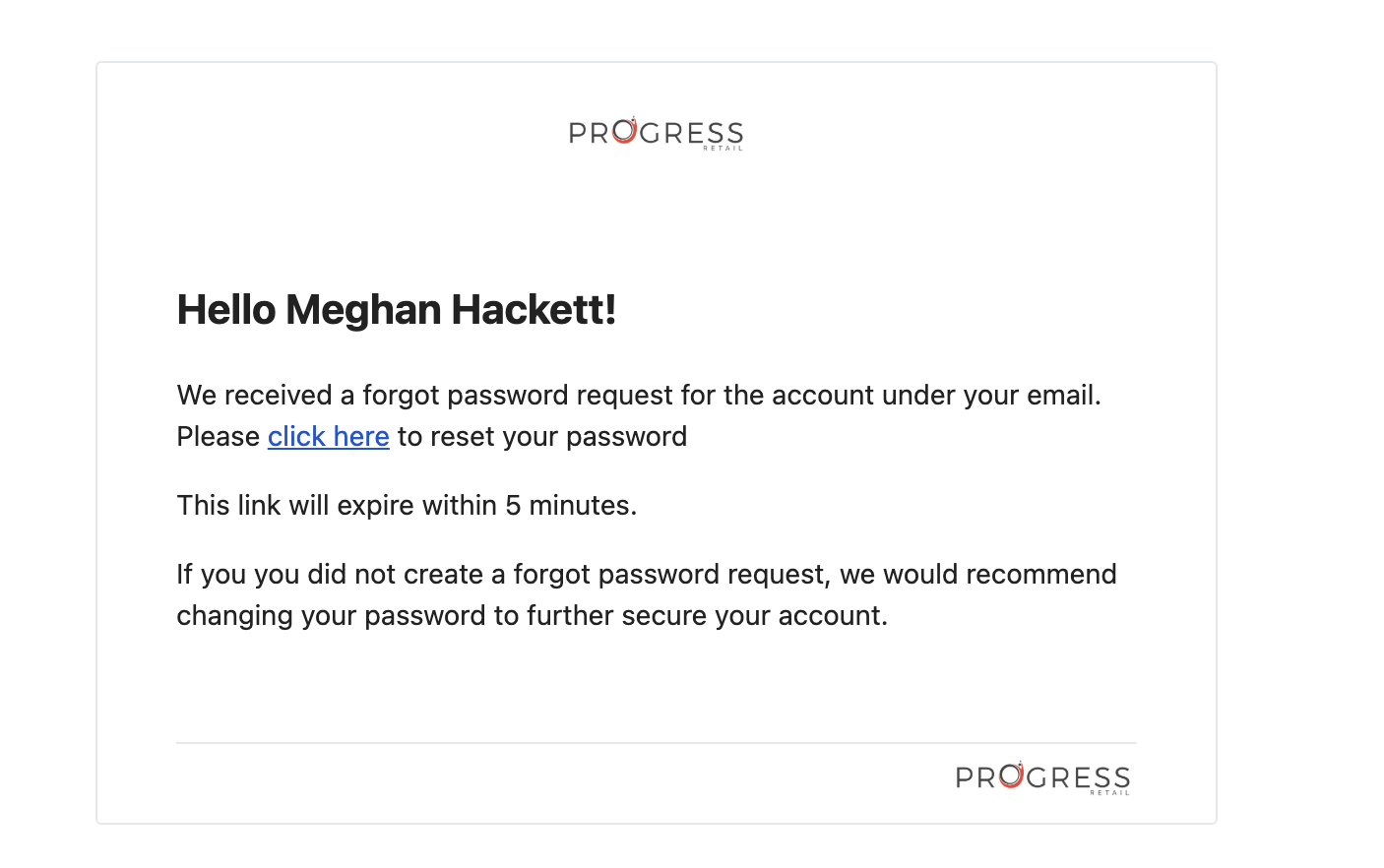
This action will trigger an automated password reset email.
The reset link will expire 5 minutes after it is generated.
Open the email and select “click here” to reset your password.
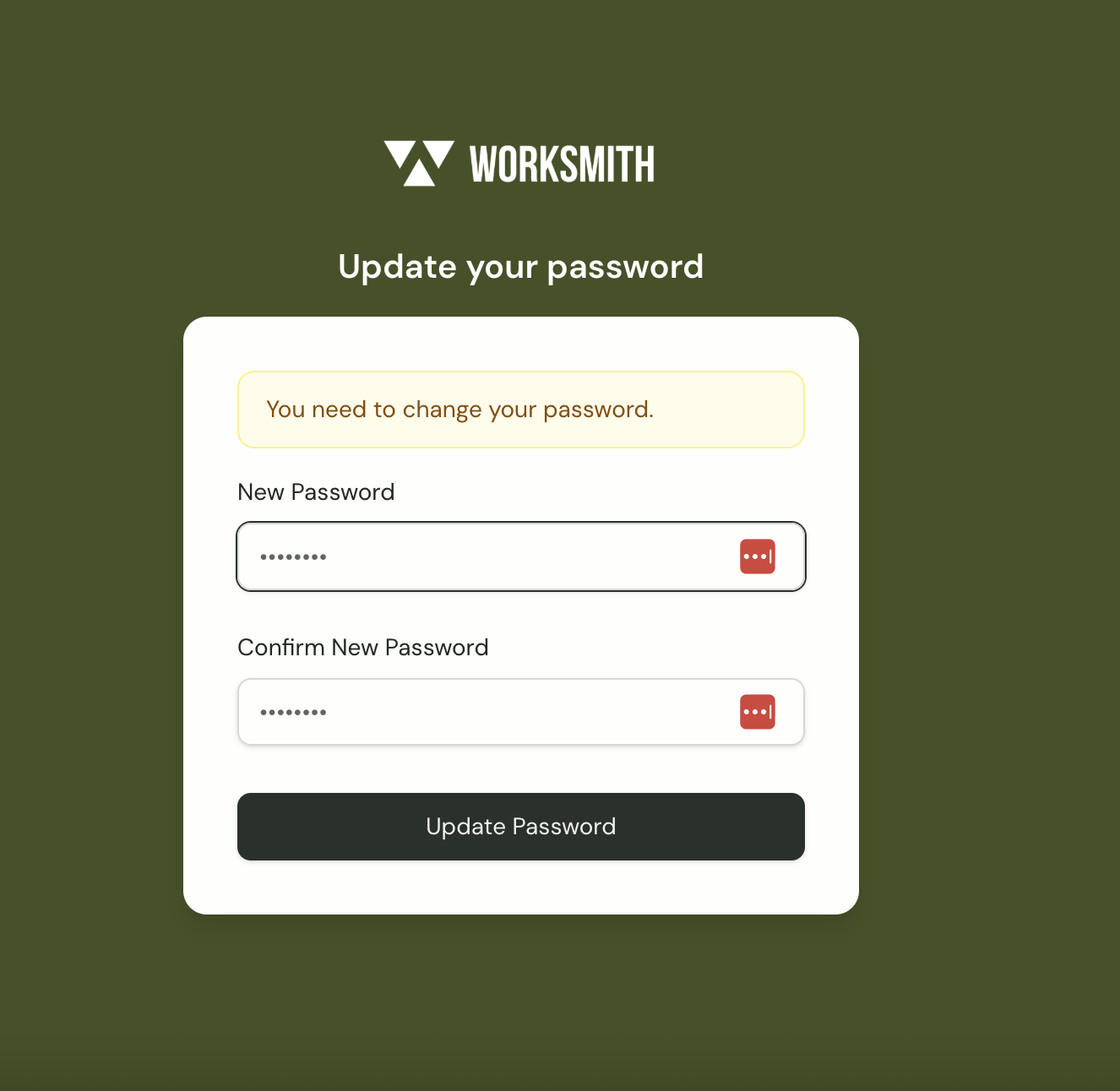
Enter a new password in the “New Password” and “Confirm New Password” fields, ensuring both entries match.
Click “Update Password” to save the new password and complete the password change process.